Text & Style
Minecraft gradient text generator (MiniMessage, JSON, §, &#hex), color code reference, Minecraft font image maker, sign and written book generators.
Minecraft Gradient Text Generator
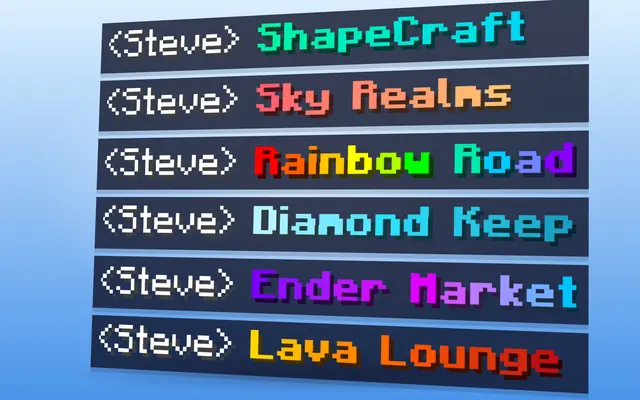
Minecraft gradient text generator: smooth RGB text in &#hex, MiniMessage, §x, JSON, MOTD and Bedrock formats, with a pixel-accurate in-game preview.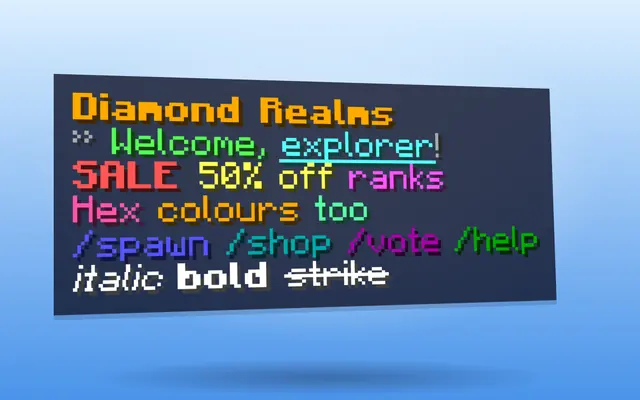
Minecraft Color Codes & Formatting
Every Minecraft colour and formatting code (§ and &) with hex values, MiniMessage tags and JSON names, plus a live editor that converts between formats.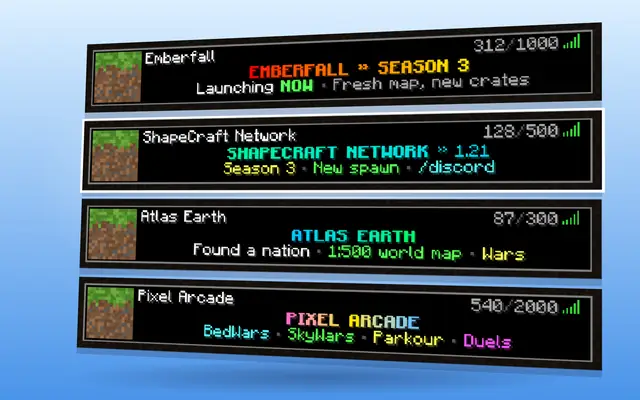
MOTD & Server Card Designer
Minecraft MOTD generator: design a two-line server MOTD with colours, hex gradients and pixel-perfect centring, previewed in a real server list.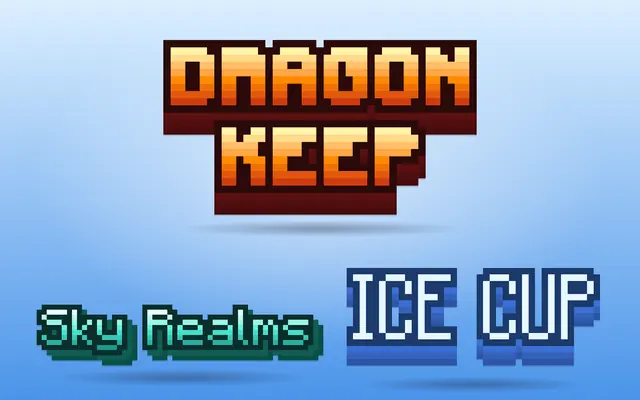
Minecraft Font & Logo Text Generator
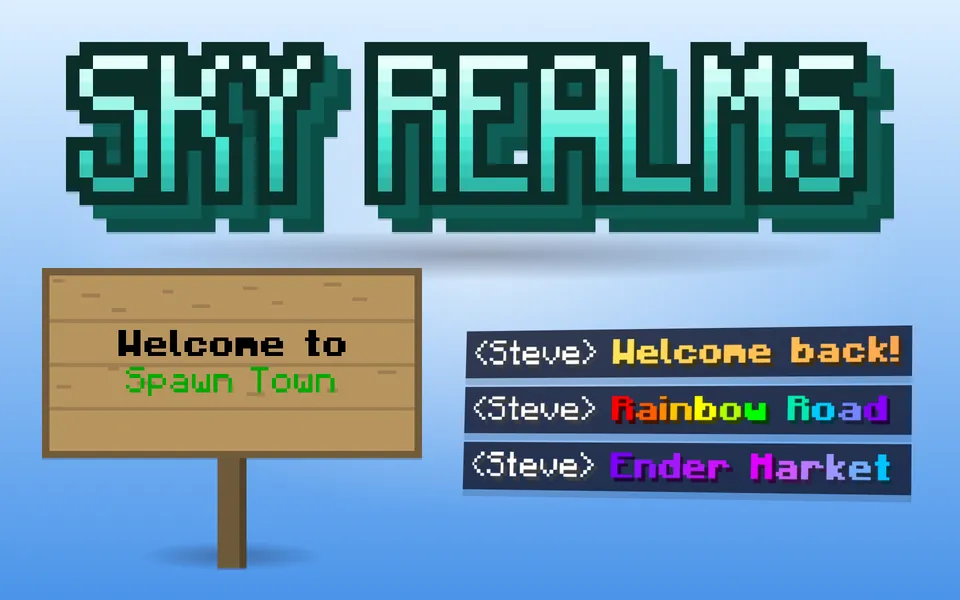
Turn any text into Minecraft-style pixel lettering with gradients, outlines, 3D extrude and shadows — download a transparent PNG.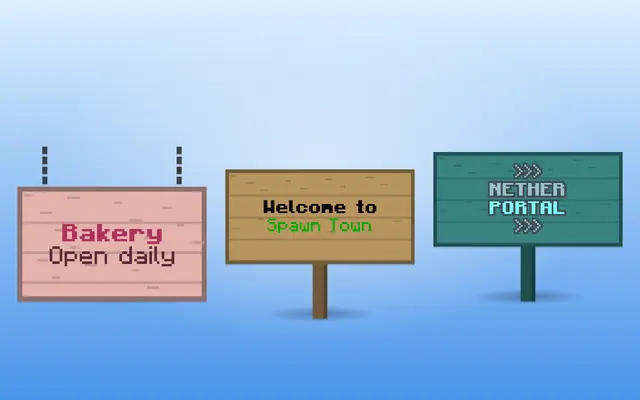
Minecraft Sign Text Generator
Design coloured, glowing, two-sided Minecraft signs with a live pixel preview and get the /give or /setblock command for 1.20 to 1.21.5+.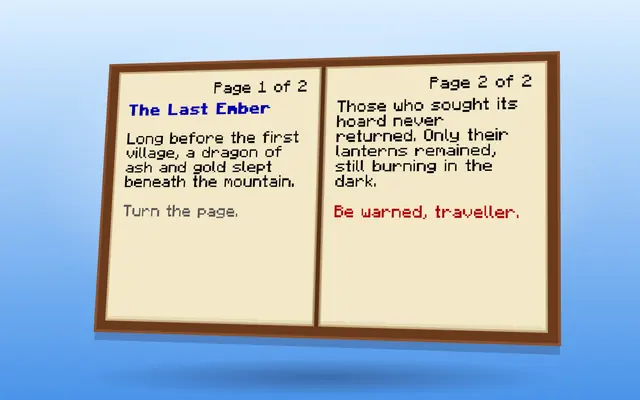
Written Book Generator
Minecraft book generator: write multi-page books with colours, clickable links and hover text, preview every page and get the /give written_book command.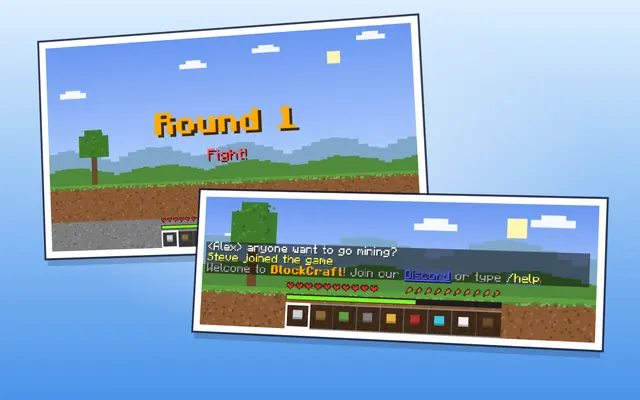
Tellraw, Title & Actionbar Generator
Minecraft title & actionbar generator: /title and action bar text with colours, plus /tellraw chat with click and hover events, for Java and Bedrock.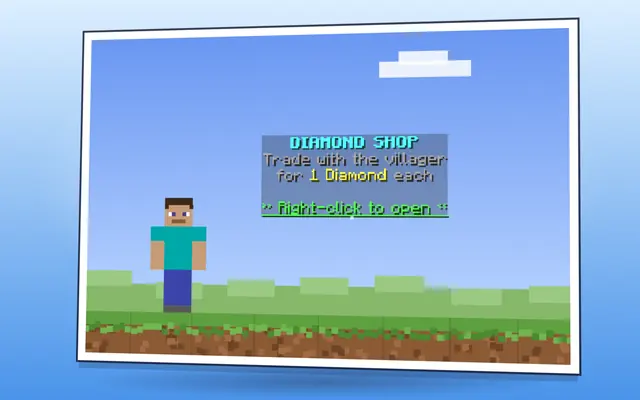
Hologram & Text Display Generator
Minecraft hologram generator: design floating text_display holograms with colours, background and scale, then copy /summon or DecentHolograms setups.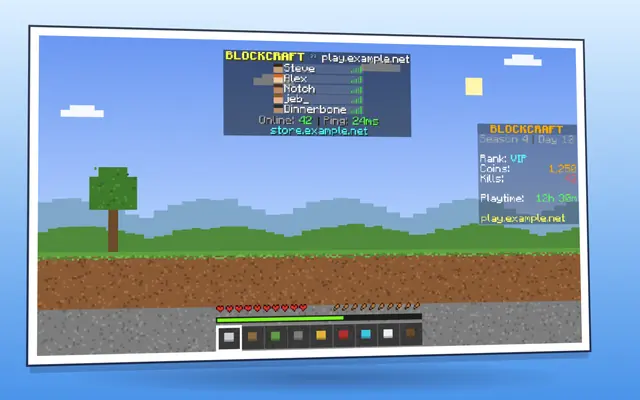
Scoreboard Sidebar & Animated TAB Designer
Minecraft scoreboard generator: design a sidebar with a title, 15 coloured lines and hidden numbers, animate it and copy commands or TAB plugin config.
Minecraft text tools: colours, fonts, signs and chat
Text in Minecraft can carry colour and formatting in several ways: § codes in game files and MOTDs, & codes on most servers, hex colours and MiniMessage on newer plugins, and JSON text components in commands. Each tool here writes the format the place you are pasting into expects, and shows a preview drawn with the game's own pixel font.
The colour code reference lists every colour and formatting code with its hex value. The gradient tool spreads hex colours across a word, which works in chat on Java servers with hex support. Signs, written books, holograms, scoreboards and server MOTDs each have their own generator because each has its own limits, such as line length, page count or a two-line MOTD.
For an image of text in the Minecraft style, for a logo, a thumbnail or a server banner, use the text and font generator: it exports a transparent PNG rather than in-game text.
Your game version matters for anything that ends up in a command. Minecraft 1.21.5 changed how text components are written, for example clickEvent became click_event, so a /tellraw or /give command copied from an older guide can fail on a current server. The command tools ask which version you play and write the matching syntax. Bedrock uses § colour codes too, but it has no hex colours, so gradients only work on Java. Signs hold four lines per side and, since 1.20, text on both sides, which the sign tool previews before you copy the command.
Which tool do I need?
- Look up a colour or formatting code: Minecraft Color Codes & Formatting
- Colour-fading text for chat or names: Minecraft Gradient Text Generator
- A Minecraft-style logo or text image: Minecraft Font & Logo Text Generator
- A big on-screen title or action bar message: Tellraw, Title & Actionbar Generator
- A coloured or glowing sign: Minecraft Sign Text Generator
- A written book with pages and links: Written Book Generator
- Your server's MOTD in the server list: MOTD & Server Card Designer
- Floating text in the world: Hologram & Text Display Generator
- A sidebar scoreboard: Scoreboard Sidebar & Animated TAB Designer
More tools
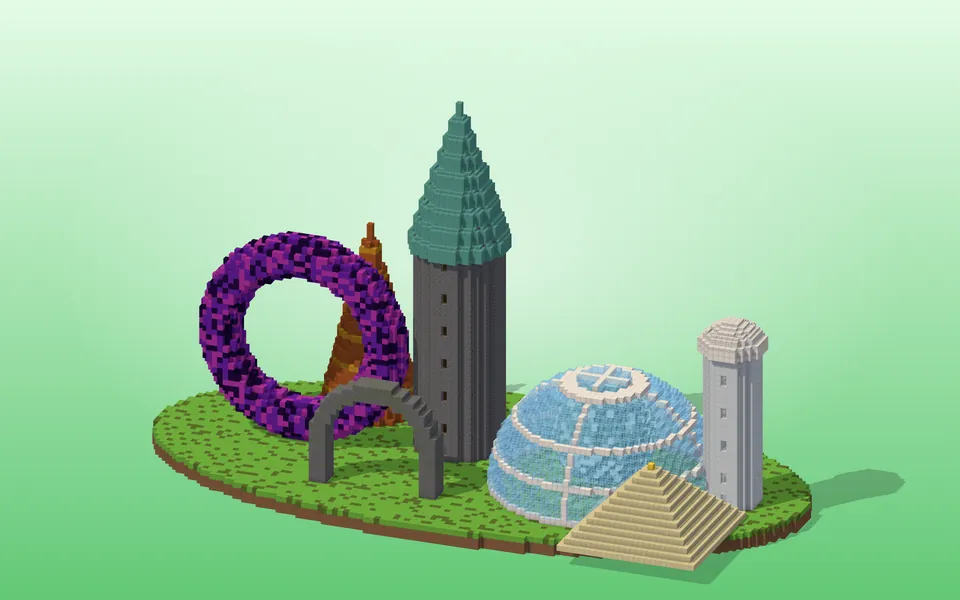 ShapesCircles, spheres, domes, cylinders, tori, spiral staircases, roofs and whole towers — block by block.
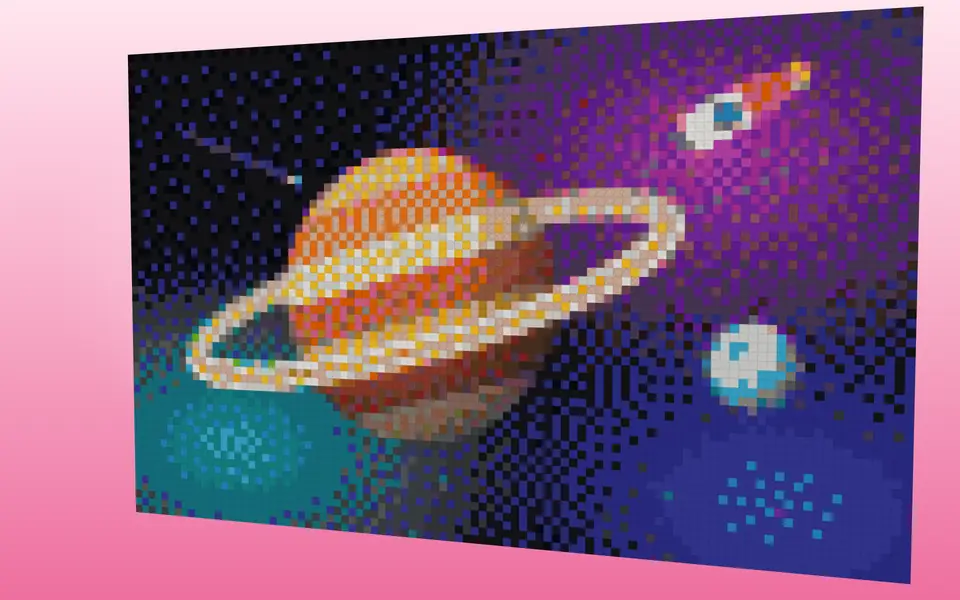 Pixel & Map ArtTurn images into block art and map art, mix wall textures and palettes.
 Cosmetics & ItemsBanners, shields, armor trims, fireworks, server icons and advancements.
 Skins & Packs3D skin and cape editors, avatars and resource-pack helpers.