Cosmetics & Items
Design Minecraft banners, shields, armor trims and fireworks with live previews, loom steps and /give commands, plus server icons and advancement images.
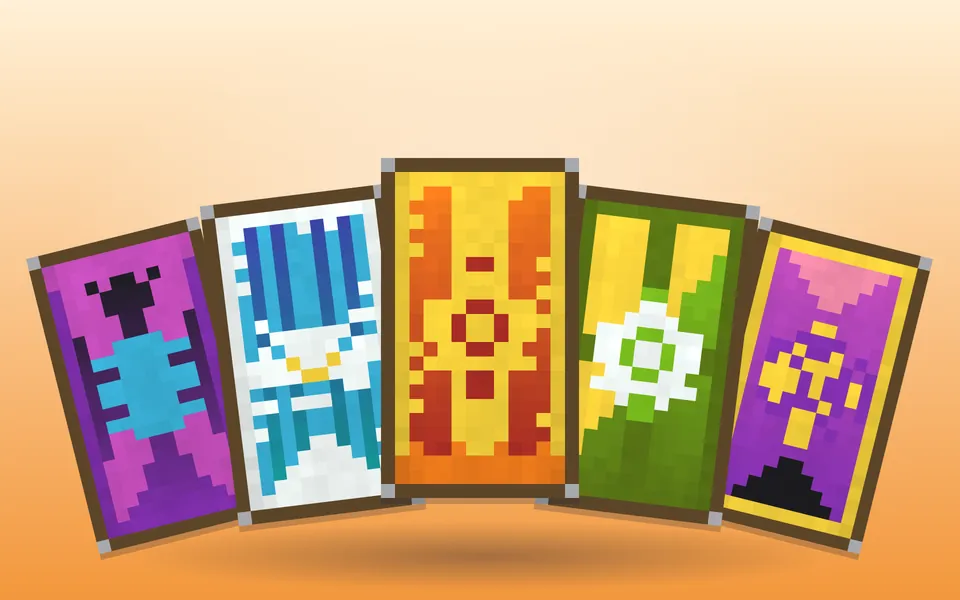
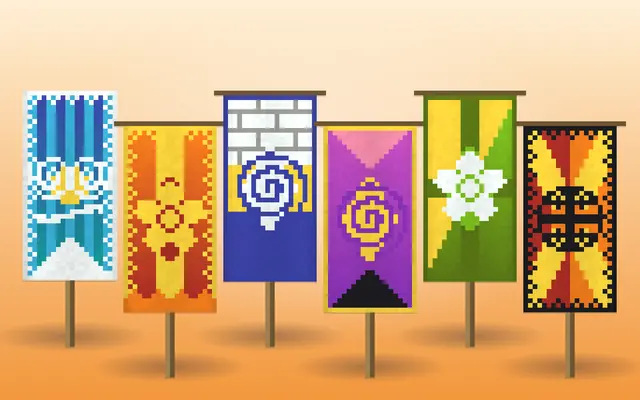
Minecraft Banner Designer
Design Minecraft banners layer by layer with all 43 patterns, a live pixel preview, numbered loom steps and /give commands for every version.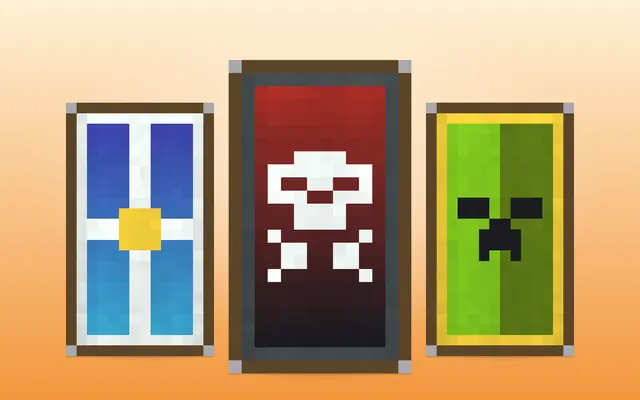
Minecraft Shield Designer
Design custom Minecraft shields with banner patterns, preview them on the shield face and copy /give commands or the loom + crafting recipe.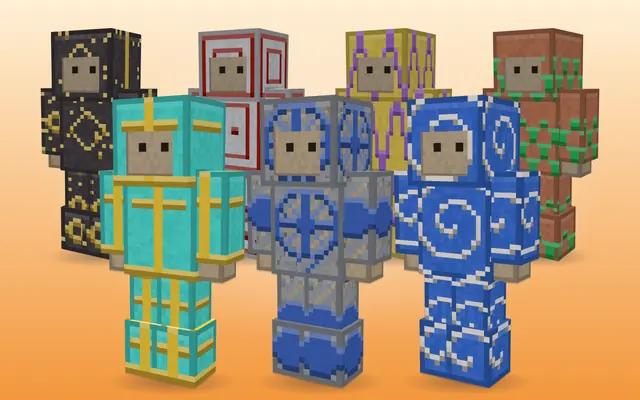
Armor Trim Generator
Preview every Minecraft armor trim in 3D — 18 patterns × 11 materials on any armor — and get /give commands, template locations and duplication costs.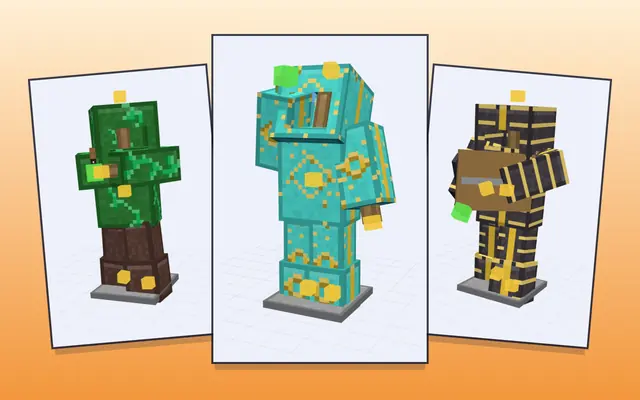
Armor Stand Poser
Minecraft armor stand poser: drag the arms, legs, head and body in 3D, add armor and items, and copy the /summon or /data merge command for your version.
Firework Rocket & Star Generator
Design Minecraft firework rockets and stars with an animated night-sky preview, then copy /give and /summon commands or the crafting recipe.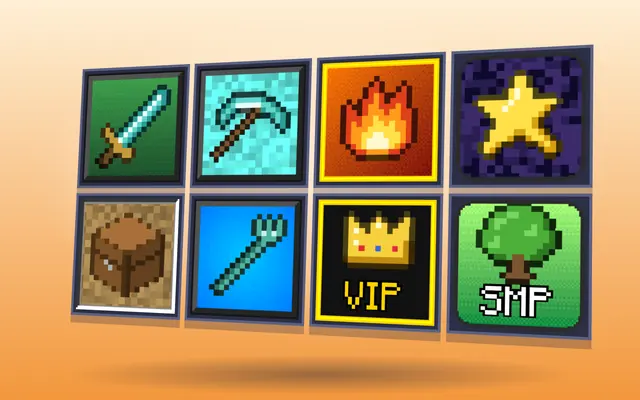
Server Icon Maker
Minecraft server icon maker: make a 64×64 icon from your logo or from scratch with pixel text, borders and block-colour effects, previewed in-game.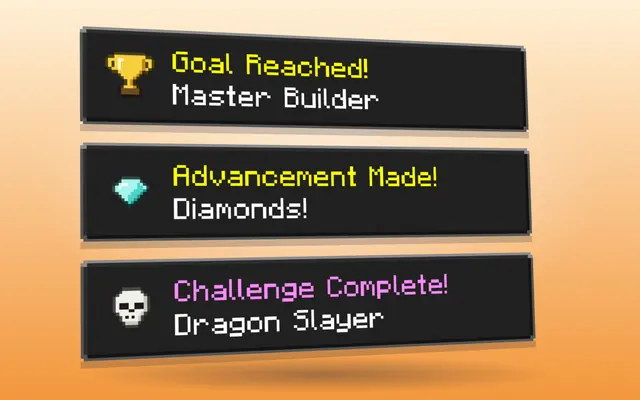
Advancement & Achievement Maker
Minecraft advancement maker: custom task, goal or challenge popups with 50+ pixel icons or your own image, plus a datapack ZIP with triggers and rewards.
Design Minecraft banners, shields, trims and fireworks
Banners, shields, armor trims and fireworks are how players decorate in survival, and each is made at a different station: banners and shield designs in a loom, trims at a smithing table, fireworks at a crafting table. These designers let you try a design first and then tell you how to make it in survival, or give you the command for creative and servers.
The banner generator stacks layers of patterns and dyes with a live preview and numbered loom steps. A survival loom takes up to six layers, so designs with more layers are marked as command-only. Shields use the same banner patterns. The armor trim tool previews every pattern and material on every armor type and says where each smithing template is found.
For servers, the server icon maker produces the 64×64 PNG that shows in the multiplayer list, and the advancement maker draws custom achievement popups and builds a datapack for them. The armor stand poser sets up posed stands with armor and items in 3D.
Commands depend on the version. Java 1.20.5 moved item data into components, so a /give command written for 1.20.4 does not work in 1.21 and the other way round. The banner generator writes its command for Java 1.8, 1.13, 1.20.5 and later, or Bedrock; pick yours before copying. In survival, a smithing template can be copied by crafting it with 7 diamonds and the block listed for it, so one template found in a structure is enough to trim a whole set. Fireworks are designed as stars: each star has a shape, colours and optional fade, trail and twinkle, and one rocket can carry several stars.
Which tool do I need?
- A banner design and its loom steps: Minecraft Banner Designer
- A shield with a banner pattern: Minecraft Shield Designer
- Choose an armor trim and find its template: Armor Trim Generator
- A firework rocket with your own colours: Firework Rocket & Star Generator
- Pose an armor stand: Armor Stand Poser
- The icon in the server list: Server Icon Maker
- A custom advancement popup: Advancement & Achievement Maker
More tools
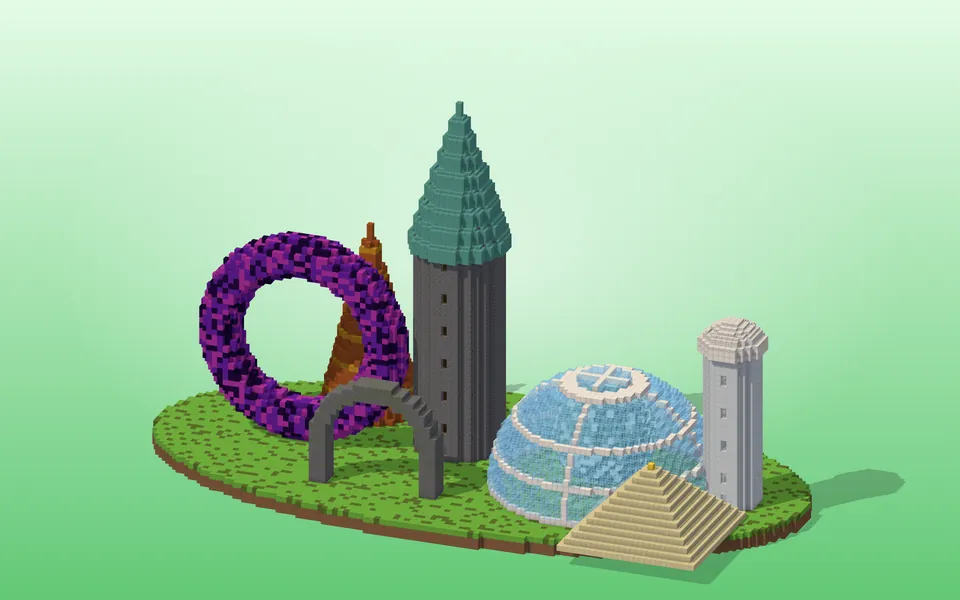 ShapesCircles, spheres, domes, cylinders, tori, spiral staircases, roofs and whole towers — block by block.
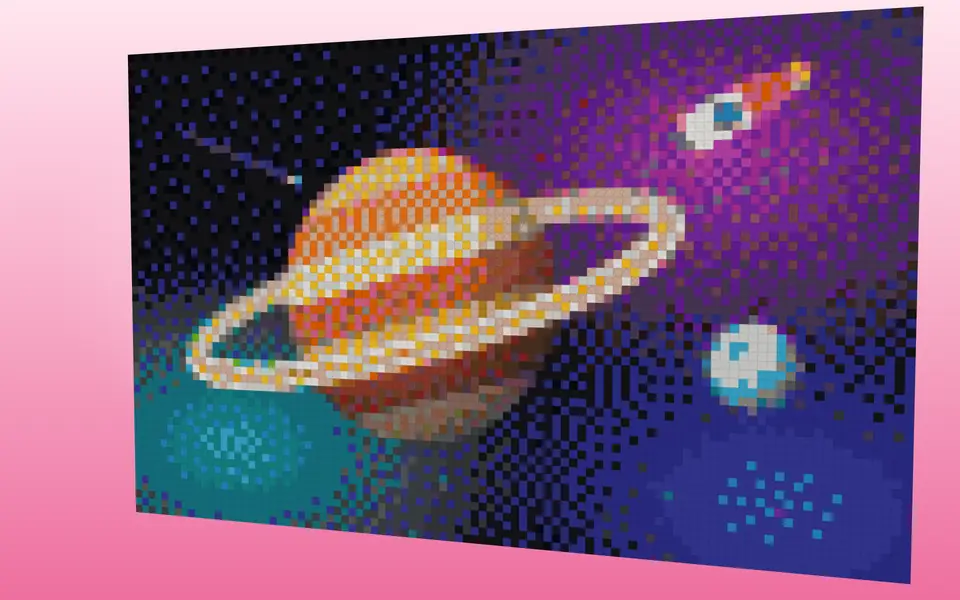 Pixel & Map ArtTurn images into block art and map art, mix wall textures and palettes.
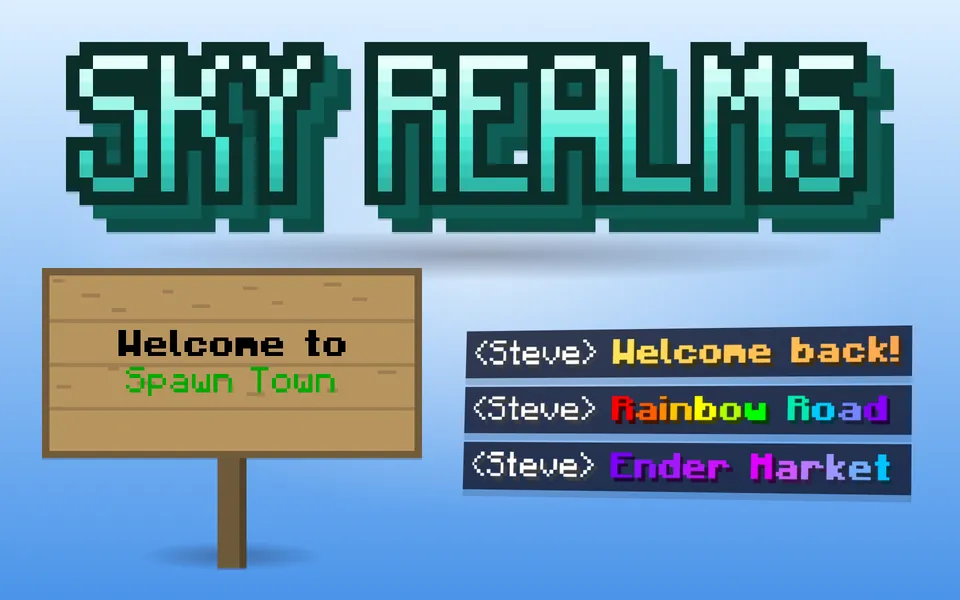 Text & StyleGradient text, color codes, Minecraft-font images, signs and books.
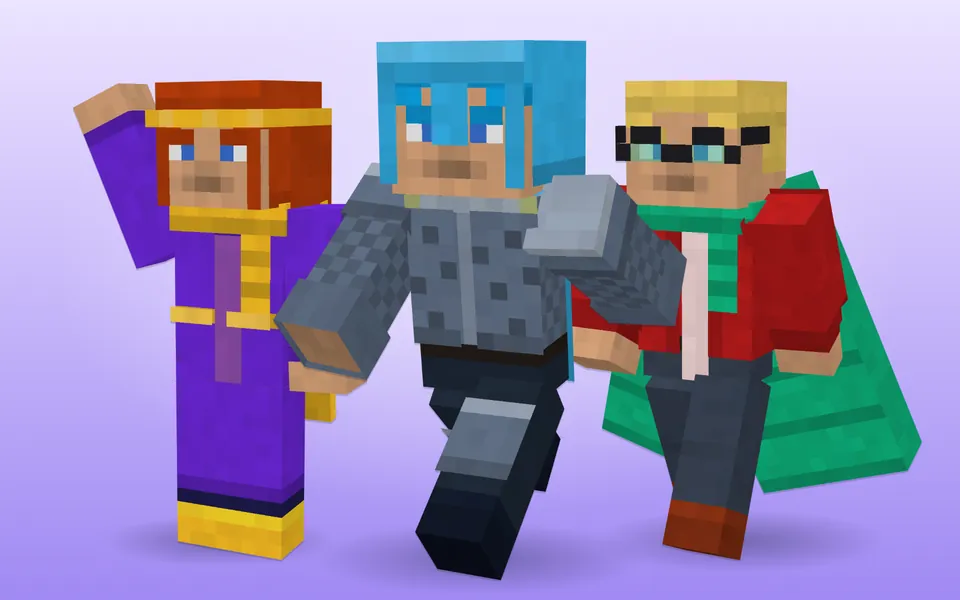 Skins & Packs3D skin and cape editors, avatars and resource-pack helpers.