Shapes
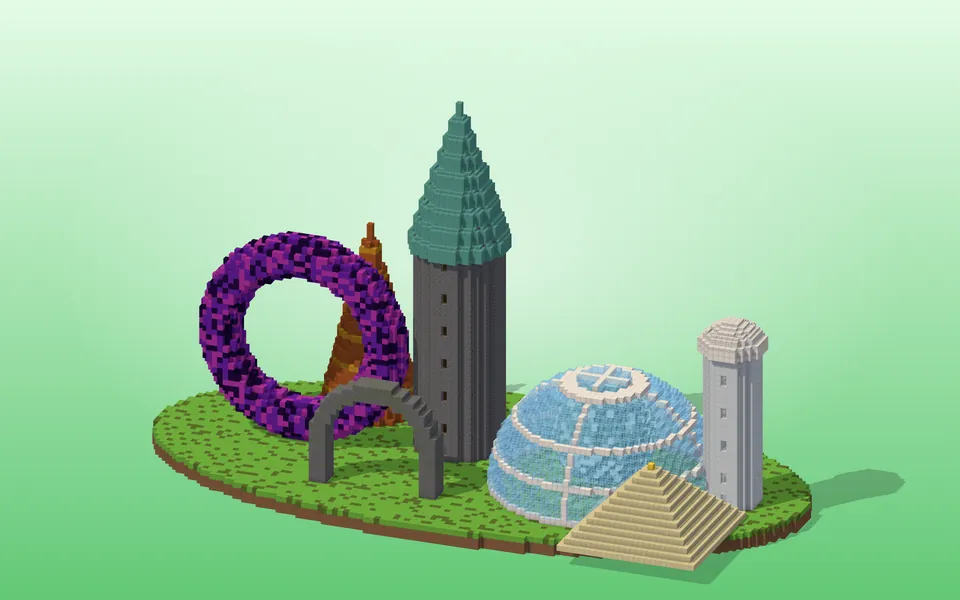
Pixel-perfect Minecraft circle, sphere, dome, cylinder, cone and torus generators with layer guides, 3D preview, block counts and schematic export.
Circle, Ellipse & Star Generator
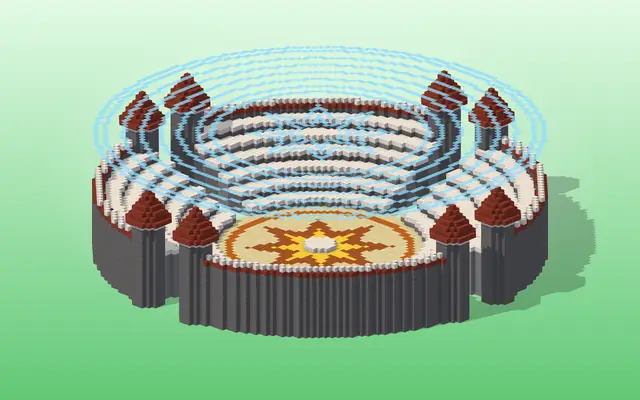
Minecraft circle generator: pixel-perfect circles, ellipses, stars and arcs up to 512 blocks, with a row-by-row build guide, block counts and schematics.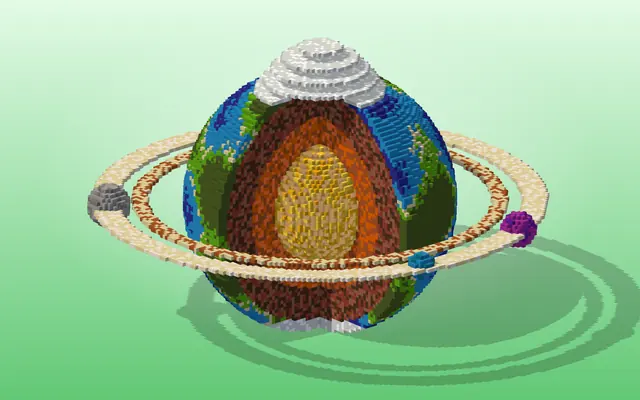
Sphere, Dome & Ellipsoid Generator
Minecraft spheres, domes and ellipsoids up to 256 blocks with layer-by-layer blueprints, a 3D preview, per-layer block counts and .litematic/.schem export.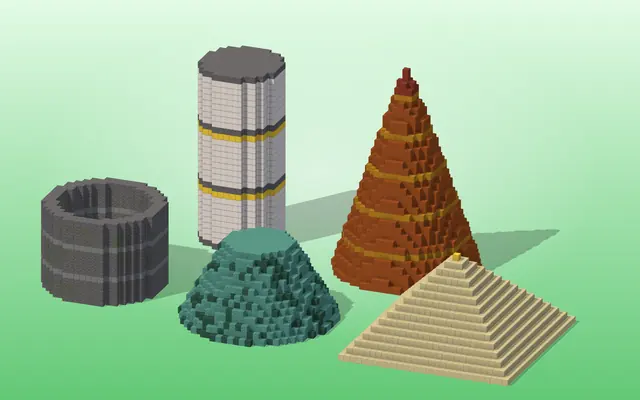
Cylinder, Tube & Cone Generator
Minecraft cylinder and cone generator: round or elliptical tubes, cones and step pyramids, hollow or solid, with layer guides, 3D preview and schematics.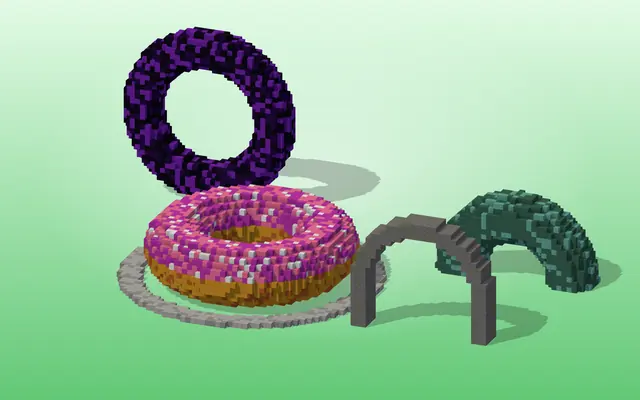
Torus, Ring & Arch Generator
Minecraft torus generator for donuts, rings and arches — horizontal or upright, hollow or solid — with layer guides, a 3D preview and schematic export.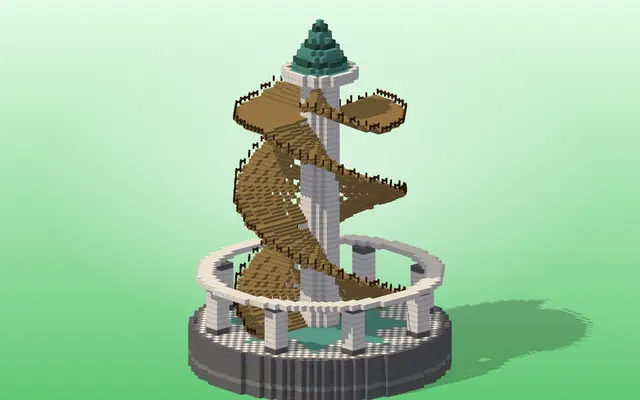
Spiral Staircase Generator
Minecraft spiral staircase generator with real stairs and slabs: any radius and height, centre column, railings, landings, 3D preview and schematic export.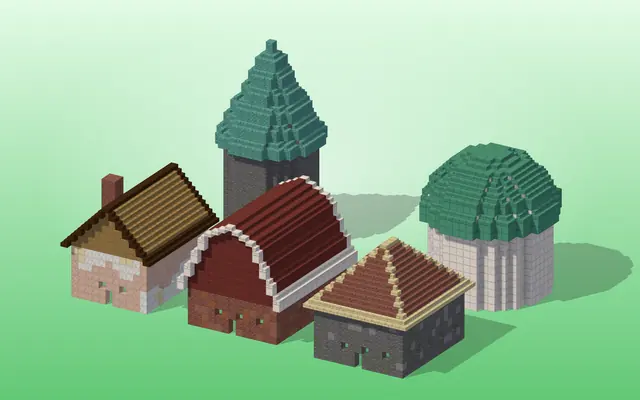
Roof Generator
Minecraft roof generator: gable, hip, pyramid, cone, dome and barn roofs from real stairs and slabs, any pitch and overhang, 3D preview and schematics.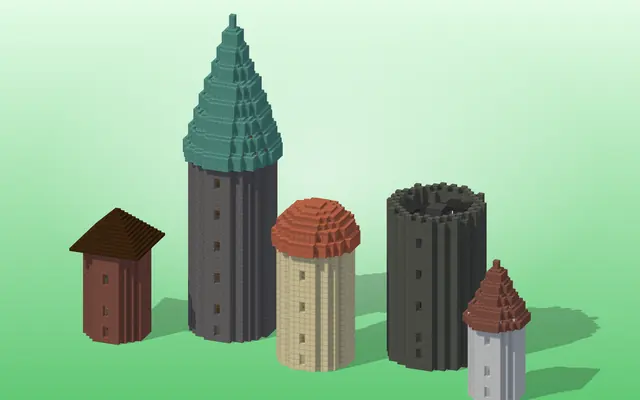
Tower Generator
Minecraft tower generator: round walls, a spiral staircase and a cone, dome or battlement roof in one build, with a material list, 3D view and schematic.
Minecraft shape generators for round builds
Minecraft has no curved blocks, so every round build is a staircase of square blocks that has to be planned. These generators do the planning: you set the size, and they work out exactly which blocks to place, layer by layer, with a block count for the materials you need to gather first.
Each tool shows a blueprint you can follow by hand, row by row or layer by layer, plus a 3D preview so you can see the result before you start. When you play with mods or on a server with WorldEdit, export the same shape as a .litematic for Litematica, a .schem for WorldEdit or a structure block .nbt, or copy the WorldEdit command where one exists.
Odd sizes have a single centre block, which is what most towers, fountains and domes need; even sizes have a 2×2 centre. The circle chart on the circle generator and the layer tables on the sphere generator list the common sizes as plain numbers if you just want to look one up.
Before you build, decide between a hollow shell and a solid shape, and how thick the wall should be: a dome for a roof only needs a one-block shell, while a tower base or a floor is usually solid. The block count changes a lot with that choice, and every tool converts it into stacks of 64 and shulker boxes (27 stacks, 1,728 blocks) so you know how much to bring. A good habit on a big build is to place the centre block first, then mark the four outermost points on each axis before filling in the rest of the layer.
Which tool do I need?
- A round wall, pond, floor or tower outline: Circle, Ellipse & Star Generator
- A ball, a dome or an egg shape: Sphere, Dome & Ellipsoid Generator
- A straight round tube, silo or cone: Cylinder, Tube & Cone Generator
- A ring, donut or round arch: Torus, Ring & Arch Generator
- Stairs that wind around a column: Spiral Staircase Generator
- A roof made from real stairs and slabs: Roof Generator
- A whole tower: walls, stairs and roof together: Tower Generator
More tools
 Pixel & Map ArtTurn images into block art and map art, mix wall textures and palettes.
 Text & StyleGradient text, color codes, Minecraft-font images, signs and books.
 Cosmetics & ItemsBanners, shields, armor trims, fireworks, server icons and advancements.
 Skins & Packs3D skin and cape editors, avatars and resource-pack helpers.