Skins & Packs
Edit Minecraft skins and capes in 3D, import any player's skin, make avatars and head renders, and generate pack.mcmeta and model files for resource packs.
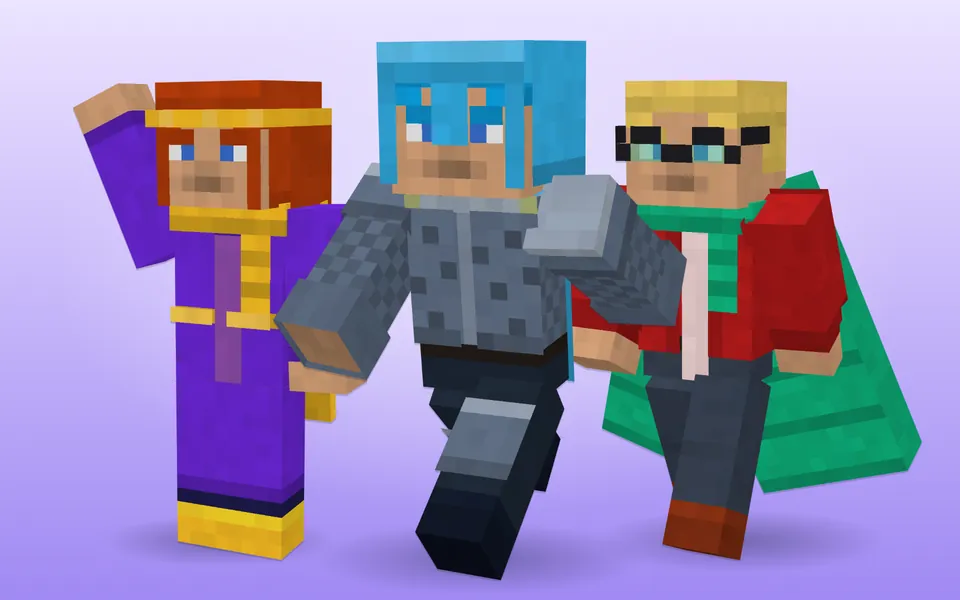
Minecraft Skin Editor (3D)
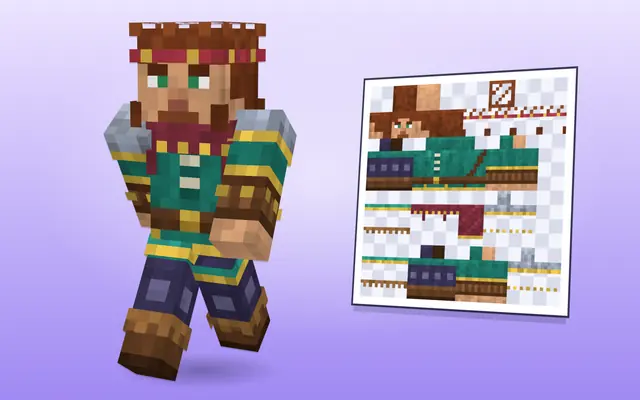
Minecraft skin editor: paint skins on a 3D model or flat texture with layers, mirror mode and shading brushes, import by username and download a 64×64 PNG.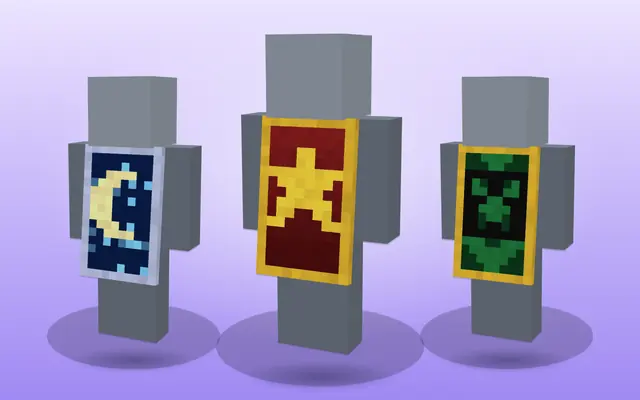
Minecraft Cape Designer
Minecraft cape editor: design a 64×32 cape with colours, patterns, emblems and trim, paint pixels by hand and preview it in 3D with elytra, then download.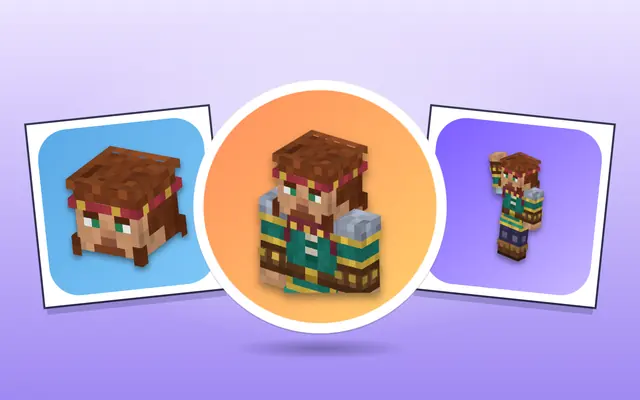
Minecraft Avatar & Head Render Maker
Minecraft avatar maker: turn any skin into a profile picture — flat face, 3D head, bust or full body — with backgrounds, crops, borders and up to 1024 px.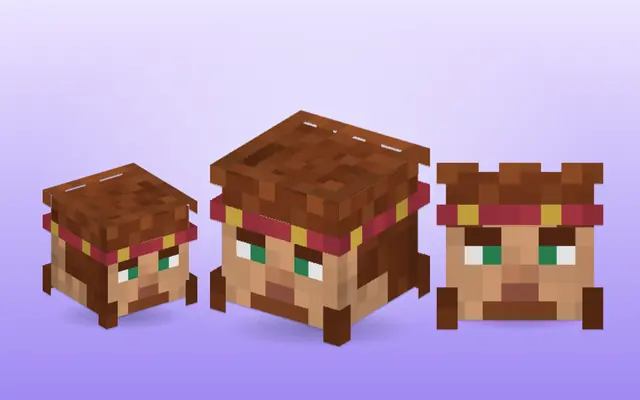
Minecraft Player Head Command Generator
Minecraft player head generator: /give and /setblock commands for any player's head in 1.20.5–26.x or older versions, texture heads and a 3D head preview.
Resource Pack Generator
Minecraft resource pack generator: pack.mcmeta with the right pack_format, pack.png, model JSON, blockstates and custom model data, as a ready ZIP.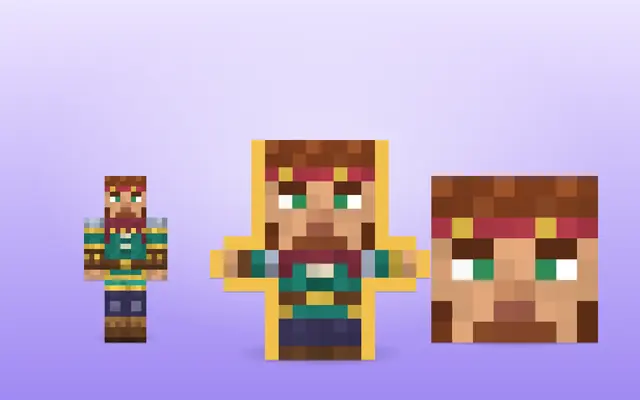
Custom Totem of Undying Maker
Custom Totem of Undying maker: turn any Minecraft skin into a 16×16 or HD 32×32 totem texture, preview the pop animation and download a resource pack.
Minecraft skin, cape and resource pack tools
A Minecraft skin is a 64×64 PNG wrapped around the player model, with a base layer and an outer layer for hats, jackets and sleeves. The skin editor paints on the 3D model or the flat texture, both kept in sync, and can load any Java player's current skin by username as a starting point. The finished skin downloads as the PNG the game expects, and drafts are saved in your browser while you work, so closing the tab does not lose your progress.
The same skin feeds the other tools: the avatar maker turns it into a profile picture or a 3D head render, the player head generator gives the command for that player's head as a block, and the totem maker turns it into a custom Totem of Undying texture in a resource pack.
Capes are a 64×32 texture; the cape editor previews yours in 3D, with elytra. The resource pack generator writes pack.mcmeta with the right pack_format for your version, a pack icon and model files, so a texture or model change loads in game.
Choose Classic or Slim before you paint: Classic arms are 4 pixels wide and Slim arms 3, and the arm texture layout differs between them. On Java, upload the PNG at minecraft.net or in the Launcher under Skins and pick the same model. On Bedrock, import it in the Dressing Room under Classic Skins, Owned, Import; that works on Windows, Android and iOS, while consoles cannot import files. Keep important details on the base layer: players can switch the outer layer off in their skin settings, and transparent pixels on the base layer show up black in game.
Which tool do I need?
- Make or edit a skin: Minecraft Skin Editor (3D)
- A profile picture from a skin: Minecraft Avatar & Head Render Maker
- A player's head as a block: Minecraft Player Head Command Generator
- Design a cape: Minecraft Cape Designer
- A totem that shows your skin: Custom Totem of Undying Maker
- Start a resource pack: Resource Pack Generator
More tools
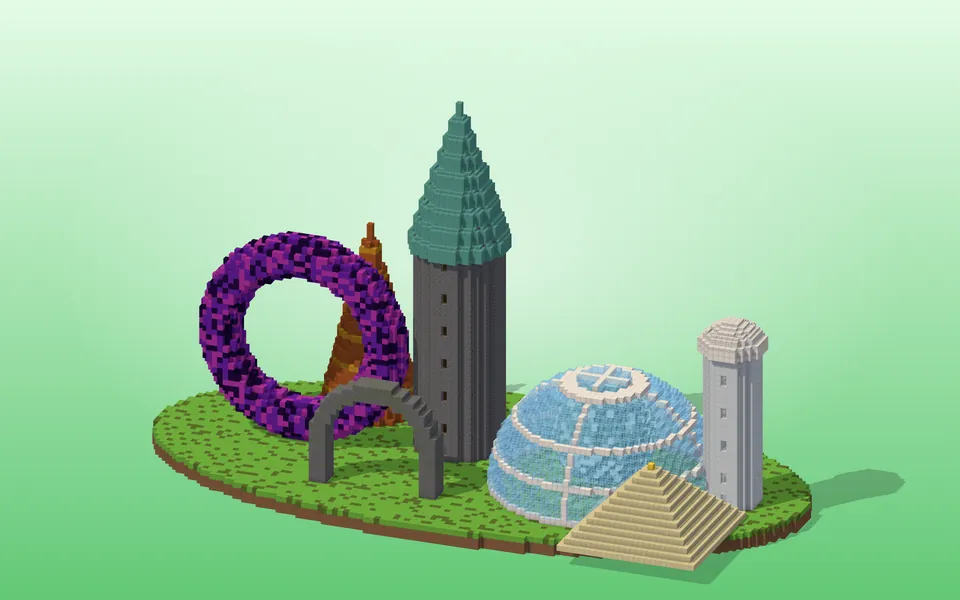 ShapesCircles, spheres, domes, cylinders, tori, spiral staircases, roofs and whole towers — block by block.
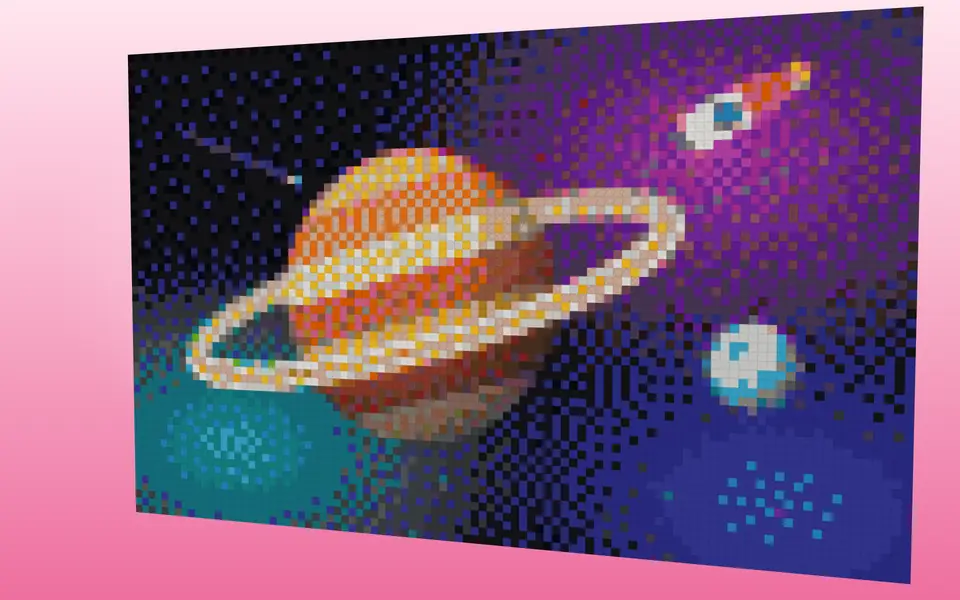 Pixel & Map ArtTurn images into block art and map art, mix wall textures and palettes.
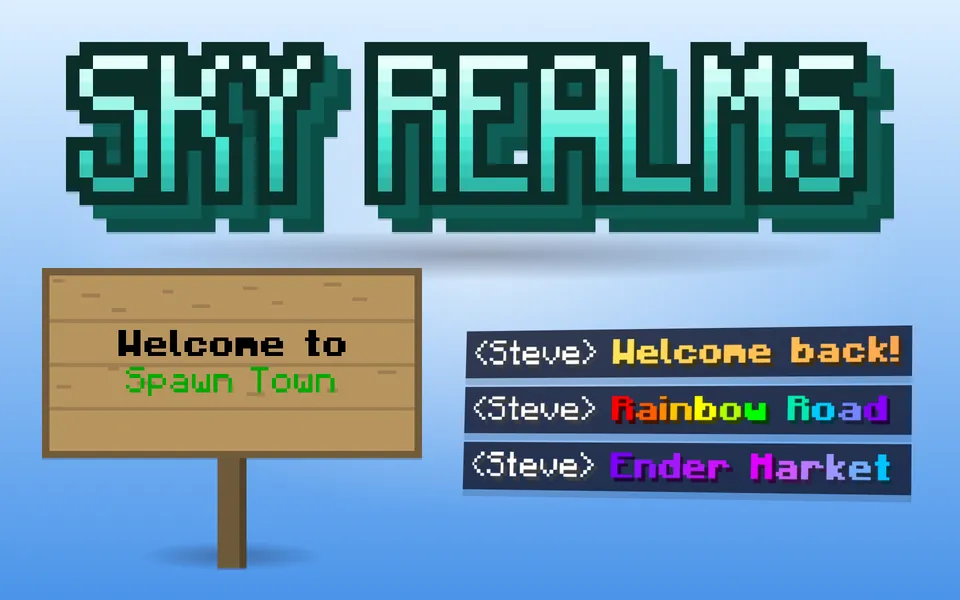 Text & StyleGradient text, color codes, Minecraft-font images, signs and books.
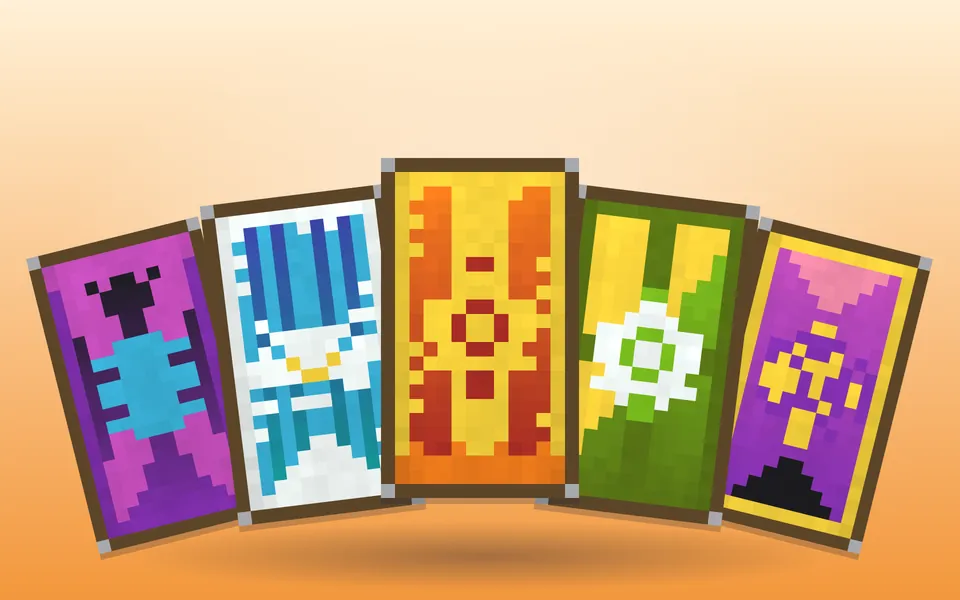 Cosmetics & ItemsBanners, shields, armor trims, fireworks, server icons and advancements.